1
Use one site per client
Model each client as its own site (or top-level group), so device lists, dashboards and reports can all be filtered per client without cross-contamination.
2
Give client-facing staff scoped access
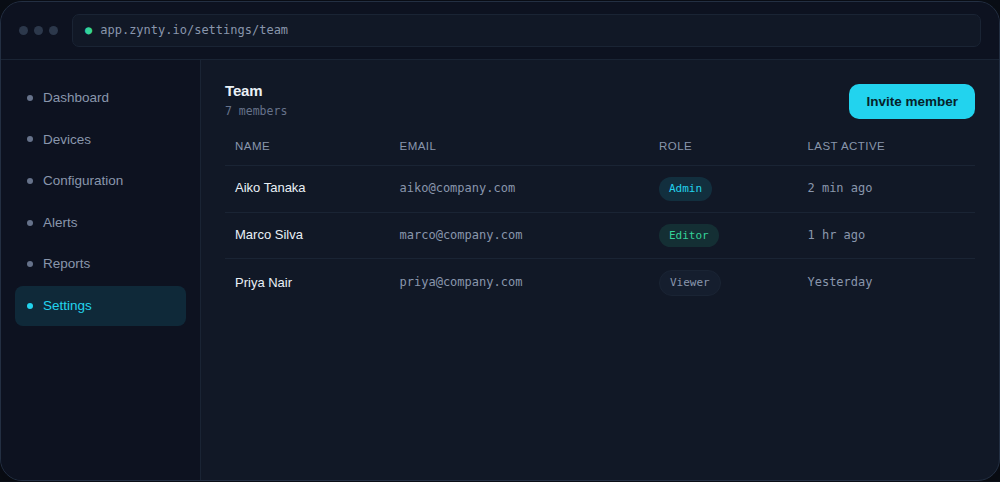
Assign engineers Editor or Viewer roles scoped to the clients they actually work on, rather than blanket access to your whole managed estate, see Set up role-based access control below.
1
3
Separate alert routing per client
Route each client's alerts to that client's dedicated channel or ticketing queue, so a busy client's alert volume never buries a quiet one.
4
Generate reports per client
Use per-site filtering when generating NIS2 audit-evidence or uptime SLA reports, so each client receives evidence for their own environment only.