1
Deploy one collector per site
Keep monitoring traffic local to each site rather than polling everything across the WAN from a single central collector, see Connect Zynty to your existing network for the reasoning.
2
Model sites and groups deliberately
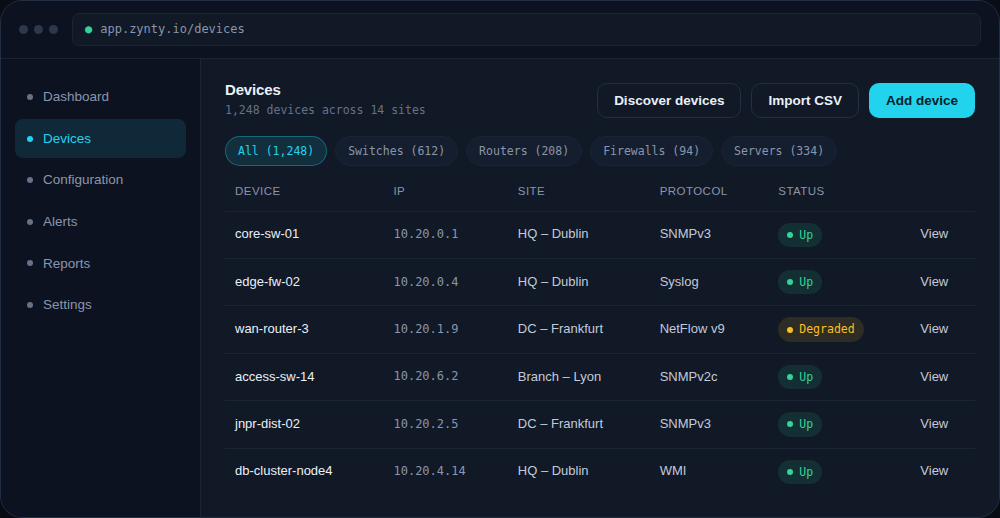
Use sites for physical location and groups for device role, so you can filter by "all core switches" across every site, not just within one.
1
3
Roll out with CSV import per site
Bulk import each site's device list rather than adding hundreds of devices by hand, see Import devices in bulk via CSV.
4
Set site-aware alert routing
Route alerts to the team responsible for each site or region, not a single global channel that everyone eventually mutes.