1
Centralize on one workspace
Everyone should work from the same Zynty workspace rather than separate accounts per region, fragmenting visibility defeats the point of centralized monitoring.
2
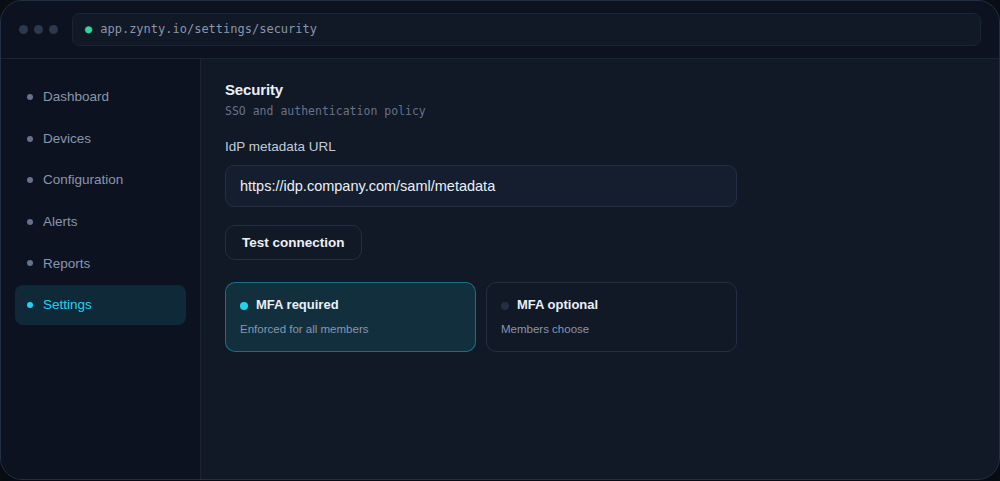
Use SSO so access isn't a bottleneck
With a distributed team, provisioning and revoking access quickly matters more than usual, connect your identity provider so team changes are handled by your existing HR/IT process.
1
3
Route alerts by time zone, not just by team
Alert routing rules can target the on-call group whose hours actually overlap with when an alert fires, rather than paging someone at 3am who isn't on shift.
4
Document in Zynty, not in a wiki that drifts
Keep device notes, credentials, and site details inside Zynty itself where they stay attached to the device, a separate wiki page is one more thing to go stale.