1
Put the dashboard on a shared screen
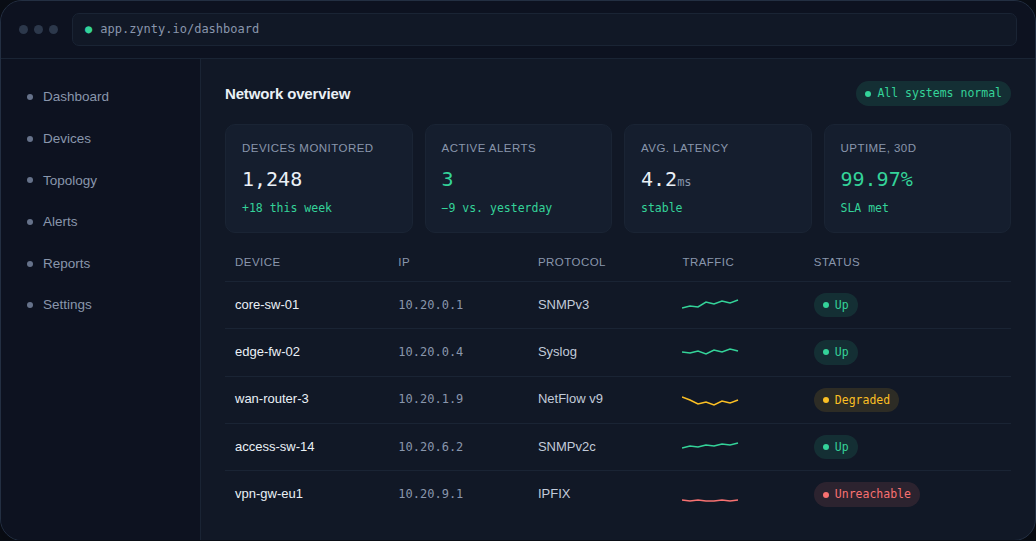
The main network overview, KPIs, device table and active alerts, is designed to sit on a wall display without any interaction required.
2
Use maintenance windows for handoff context
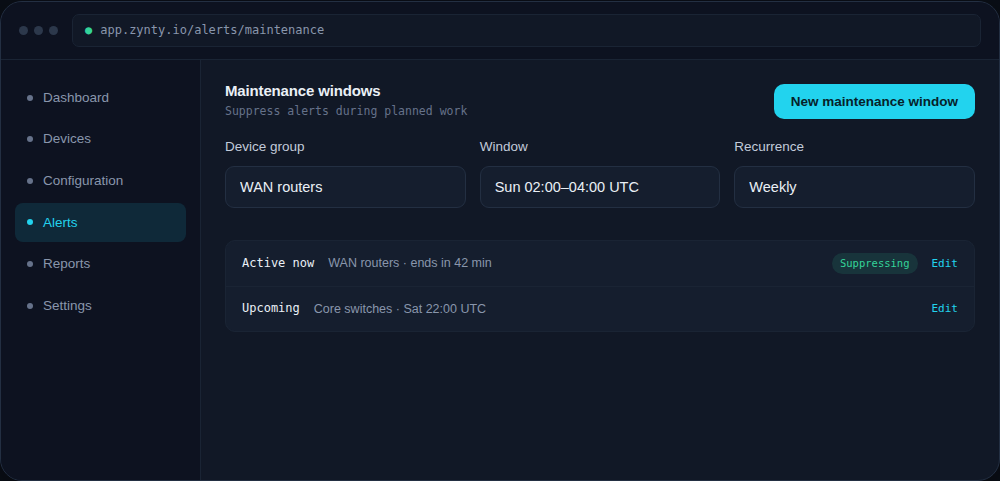
An active maintenance window shows directly on affected devices, giving an incoming shift immediate context on planned work without a separate handoff document.
1
3
Give shift leads Editor access, not Admin
Shift leads typically need to acknowledge alerts and adjust maintenance windows, not change billing or SSO settings, scope their role accordingly.
4
Review the change log at shift start
A quick look at overnight configuration changes and resolved alerts is a fast way for an incoming shift to catch up on what happened while they were out.