1
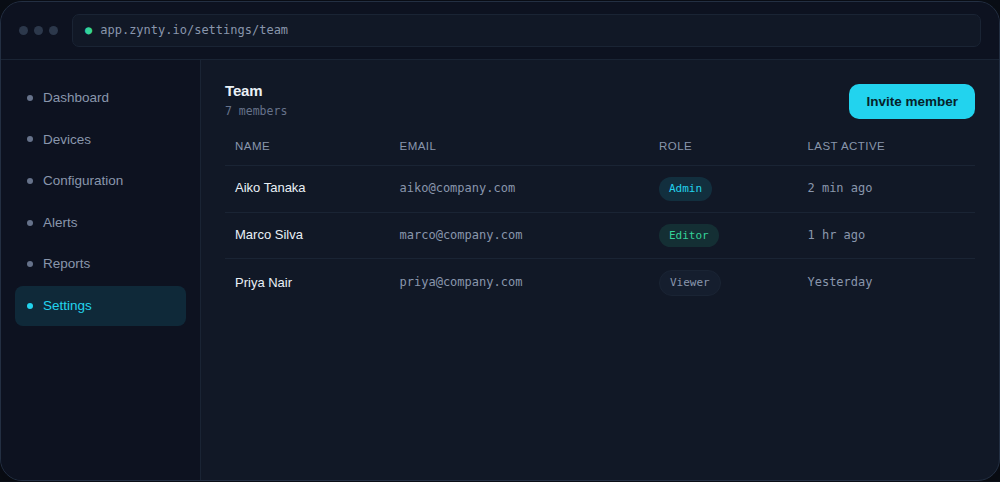
Invite them with the Viewer role
Viewer access covers dashboards, device details, reports and audit logs, everything an auditor typically needs, without any ability to change configuration or settings.
1
2
Point them straight at reports
Share the NIS2 audit-evidence or configuration-audit reports directly rather than asking an auditor to reconstruct evidence by browsing the UI themselves.
3
Set an end date
For a contractor or a time-boxed audit engagement, calendar a reminder to revoke access when the engagement ends, Zynty doesn't auto-expire accounts on its own.