1
Model buildings and labs as sites
Dorms, libraries, labs and administrative buildings each become a site, making it easy to see which building an issue is affecting without reading IP ranges.
2
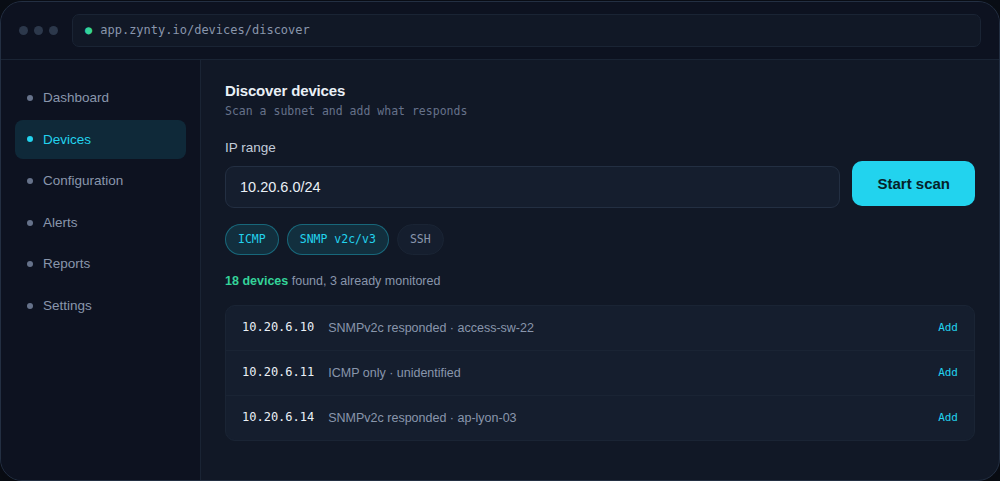
Auto-discover each term
Campus networks change more than most, new devices, new student equipment, so a recurring discovery scan catches additions automatically rather than relying on manual tickets.
1
3
Watch for unexpected devices, not just outages
On a BYOD-heavy network, an unidentified device appearing on a restricted VLAN is often more urgent to know about than a single access point going down.
4
Set a maintenance window for scheduled patch cycles
Suppress alerts during planned campus-wide maintenance so a routine patch window doesn't page anyone unnecessarily.