Deploy a collector
Every Zynty workspace needs at least one collector: a small on-prem or virtual appliance that talks to your devices and forwards encrypted telemetry to Zynty Cloud. Install it as a Docker container, VM appliance, or Linux package; the setup wizard gives you a one-line install command and a pairing token.
Confirm the collector is online
Once installed, the collector registers itself automatically. Give it a minute, then check Settings > Collectors for a green "Connected" status before moving on.
Add your first device
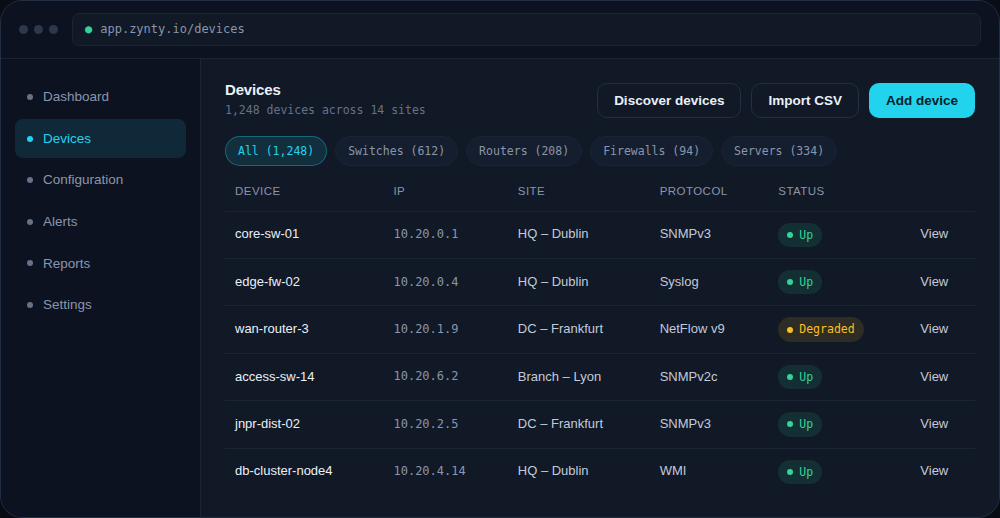
Head to Devices and click Add device. Give it a name, its management IP, and a protocol, most teams start with SNMP v2c or v3 since it needs no agent installed.
Watch it appear on the dashboard
Within a minute of saving, the device should report its first metrics. If it stays gray, jump to the device-unreachable troubleshooting guide.