1
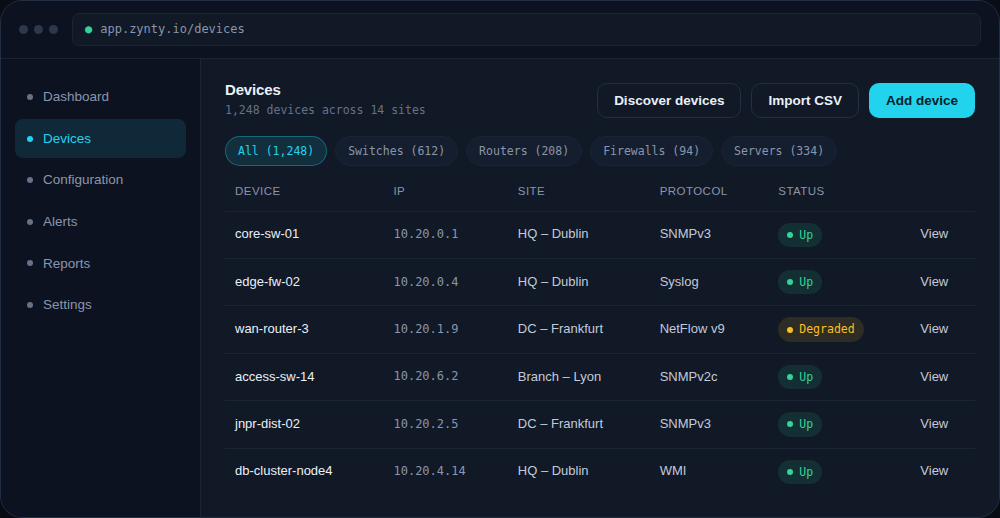
Open the Add device form
From Devices, click Add device. You can also add a device directly from a discovery scan result, see Auto-discover devices on a subnet.
1
2
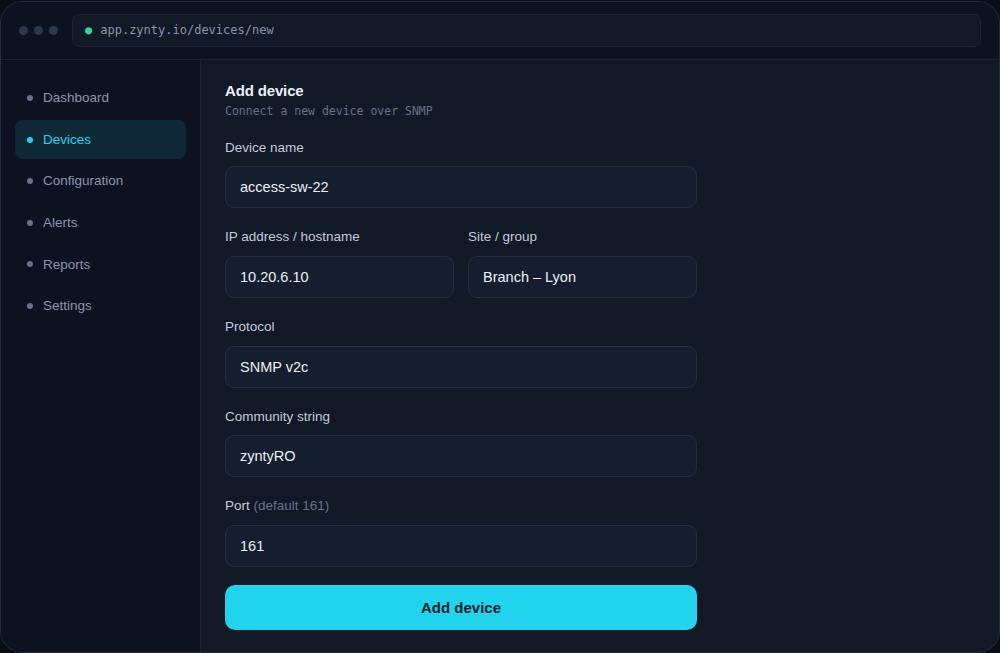
Fill in identity and location
Give the device a name that matches your existing naming convention, its management IP or hostname, and the site or group it belongs to, this drives dashboard grouping and alert routing later.
1
2
3
3
Choose a protocol and credentials
Pick the protocol the device supports. SNMP is the fastest path for most routers and switches; use SSH for devices you also want config backups from, and REST API for cloud and virtualization platforms.
1
2
4
Save and confirm
Click Add device. Zynty polls it immediately to confirm reachability, if it can't connect, you'll see the specific error (timeout, auth failure, or wrong port) rather than a generic failure.
1