1
Create a PagerDuty service
In PagerDuty, create (or choose an existing) service for network alerts, and generate an integration key from its Events API v2 integration.
2
Connect it in Zynty
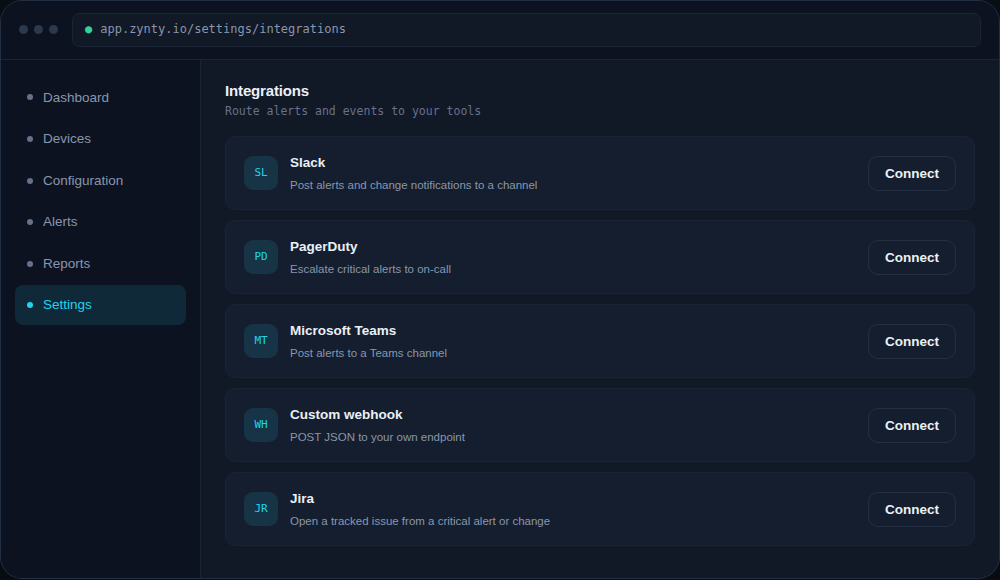
Paste the integration key under Settings > Integrations > PagerDuty.
1
3
Map severity to urgency
Critical Zynty alerts should map to a high-urgency PagerDuty incident; Warning-level alerts are usually better mapped to low urgency or excluded from paging entirely.
4
Confirm the escalation path
Trigger a test critical alert and confirm it reaches the right on-call schedule, not just that it "arrives" in PagerDuty.