1
Start the connection
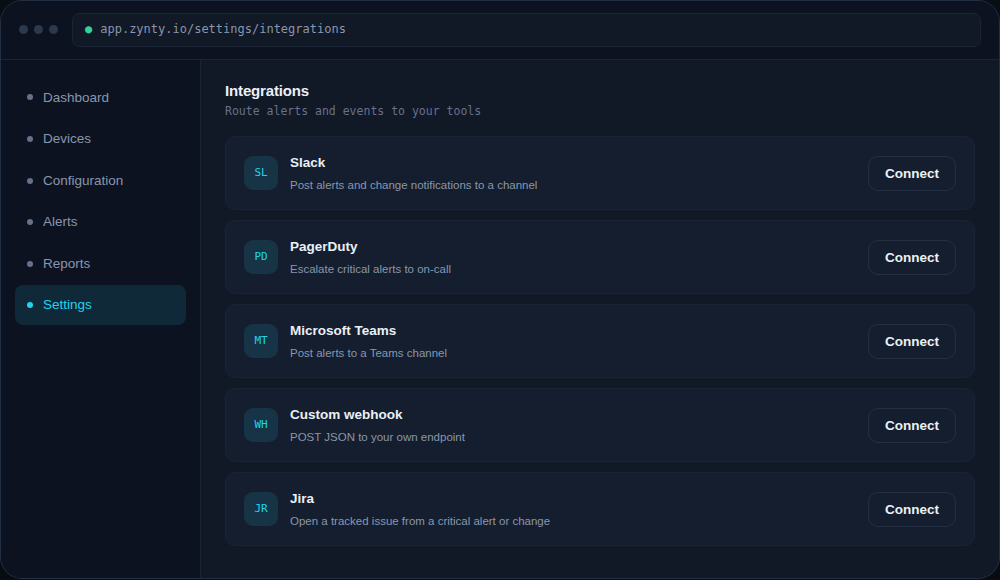
From Settings > Integrations, click Connect next to Slack.
1
2
Authorize the workspace
You'll be redirected to Slack to approve the Zynty app for your workspace, this is a standard OAuth flow; Zynty only requests permission to post messages, not read your channel history.
3
Pick a default channel
Choose the channel alerts post to by default. You can override this per alert rule later if different teams want different channels.
4
Send a test alert
Use Send test notification to confirm messages are arriving with the formatting and detail you expect before relying on it in production.