1
Create a window
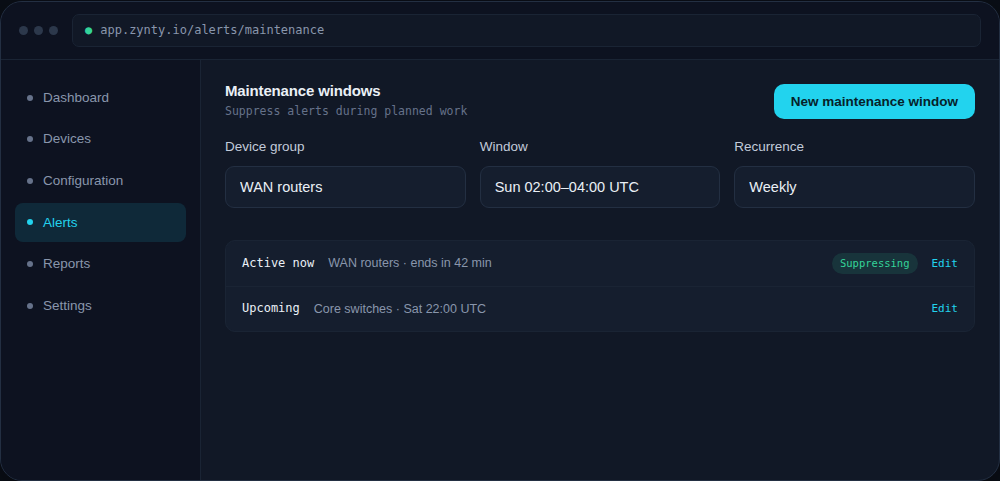
Choose the device group affected, a start and end time, and whether it repeats.
1
2
Understand what's suppressed
Alerts are suppressed, not deleted, you'll still see them in history afterward, just without a page or notification firing during the window.
3
Combine with push automation
If the maintenance is a scheduled config push, set the maintenance window to cover the same time range so the push job's own device-level changes don't trigger change-detection alerts.
4
Confirm it's active
An active window shows directly on the affected devices and on the maintenance list, so nobody has to guess whether suppression is currently in effect.