1
Enable the slow query log
A threshold of 1 second is a reasonable starting point, tune it down once you've cleared the obvious offenders.
SET GLOBAL slow_query_log = 'ON';
SET GLOBAL long_query_time = 1;
SET GLOBAL log_output = 'TABLE';
2
Persist the setting
GLOBAL variables reset on restart unless they're also set in the config file.
# my.cnf
[mysqld]
slow_query_log = 1
long_query_time = 1
log_output = TABLE
3
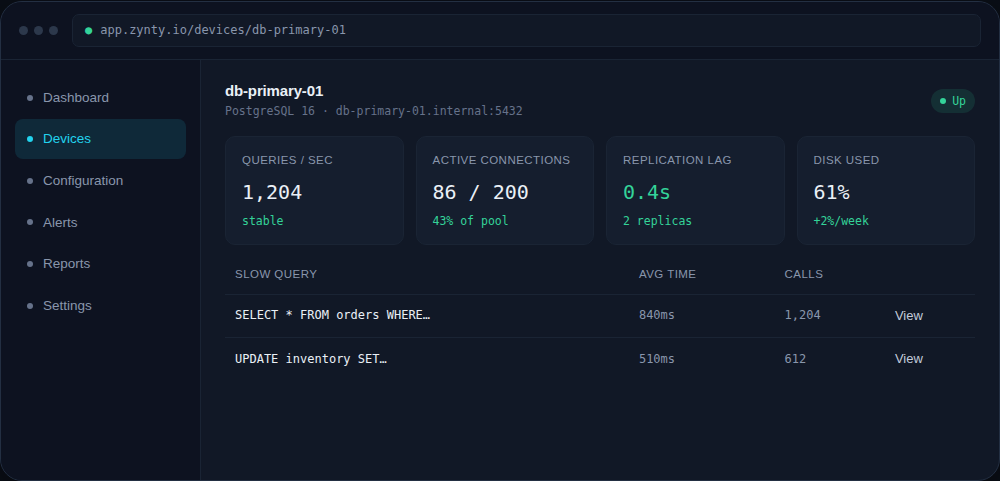
Review slow queries in Zynty
The database's Overview tab lists the slowest queries in the current window, with average duration and call count, so you can prioritize by actual impact rather than guesswork.
1