1
Choose scheduled or on-demand
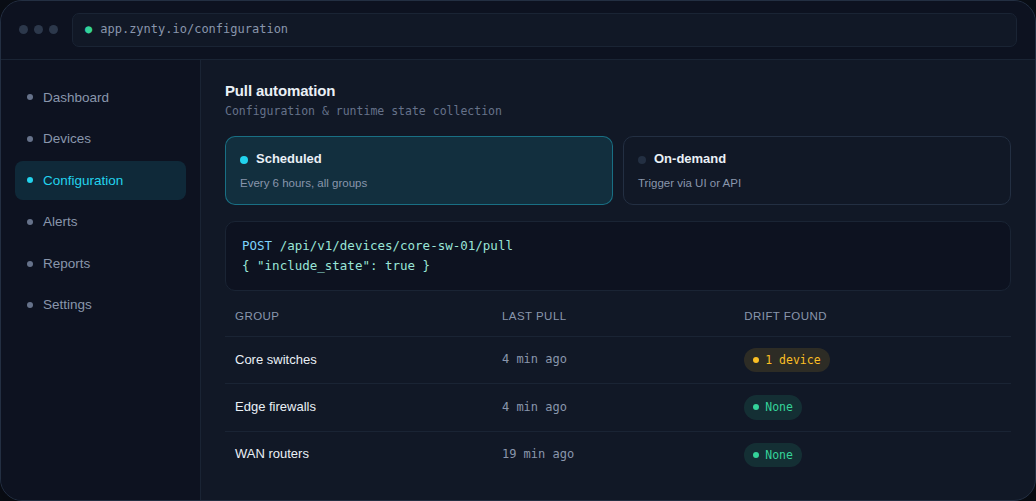
A scheduled pull (every few hours is typical) keeps data fresh automatically. On-demand pulls, triggered via the UI or REST API, suit event-driven workflows, like pulling state right after a deployment.
1
2
Include runtime state, not just config
Pulling runtime state alongside configuration, interface counters, routing table size, resource utilization, gives Zynty a fuller picture than a config-only backup.
3
Trigger it via the API
For CI/CD or orchestration pipelines, call the pull endpoint directly rather than waiting for the next scheduled cycle.
curl -X POST https://api.zynty.net/v1/devices/core-sw-01/pull \
  -H "Authorization: Bearer $ZYNTY_API_KEY" \
  -d '{"include_state": true}'
4
Review drift after a pull
A fresh pull is what feeds real-time state auditing, so this pairs naturally with a regular drift review.