1
Build a template site profile
Most retail sites run near-identical equipment, a router, a switch, a POS terminal, so define one credential and alert profile and reuse it rather than starting from scratch per site.
2
Bulk import new store openings
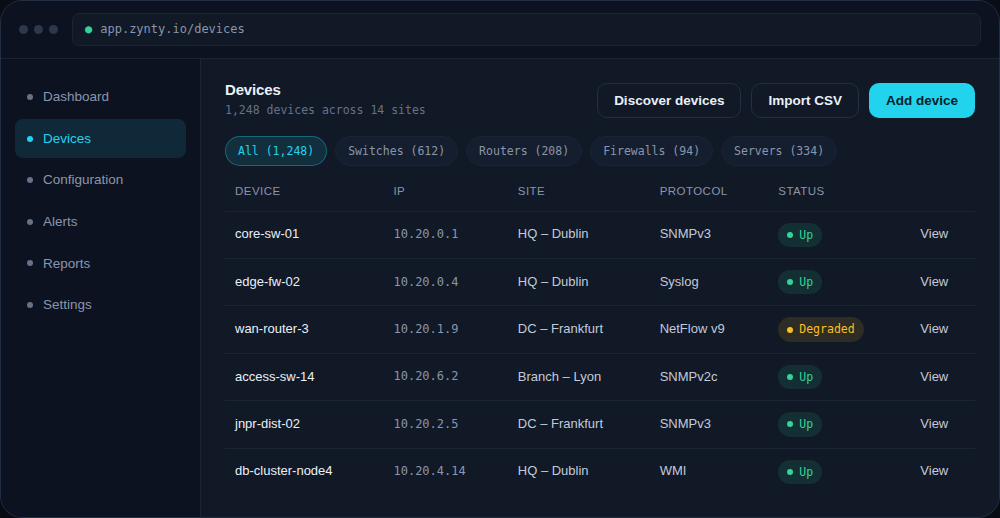
As new locations open, add their devices via CSV import using the same template, rather than manual per-device setup, see Import devices in bulk via CSV.
1
3
Alert on the site, not just the device
A single small site losing its only router is a full-site outage, make sure severity reflects that a small site's core device is more critical than a data center's redundant one.
4
Use push automation for fleet-wide changes
A firmware update or config change that needs to reach 400 stores is exactly what push automation is for, see Automate configuration pushes across a device group, rather than a rollout done store by store.