1
Generate a Jira API token
Create an API token from your Atlassian account, scoped to a service account rather than a personal login where possible, so the integration doesn't break if that person leaves.
2
Connect it in Zynty
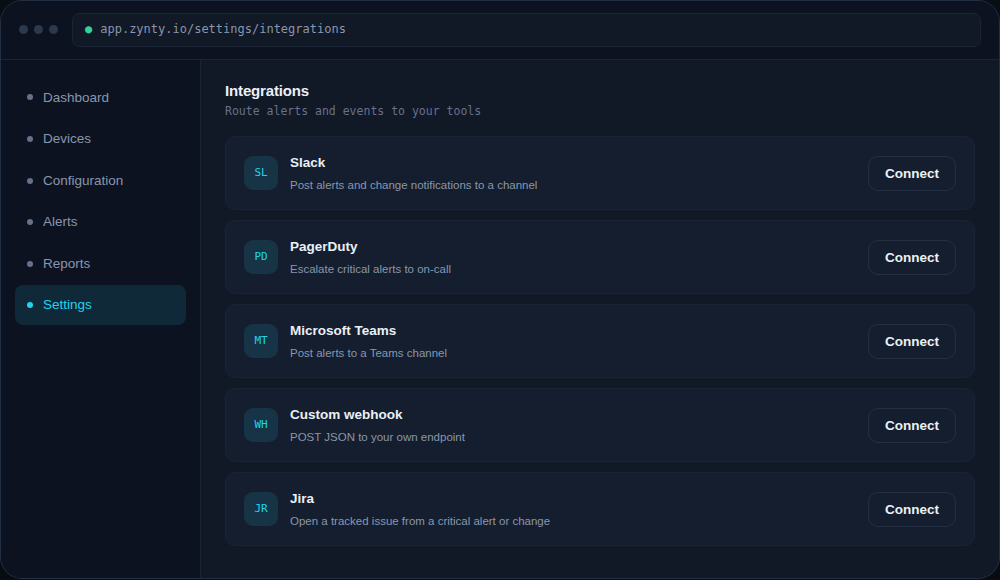
Enter your Jira site URL, the API token, and the project key issues should be created in.
1
3
Choose what creates a ticket
Most teams create a Jira issue for Critical alerts and flagged configuration changes, but route Warning-level alerts to Slack only, to avoid flooding a backlog with noise.
4
Map fields
Set the default issue type, priority mapping (Zynty severity to Jira priority), and any required custom fields your project enforces, so tickets are created without needing manual cleanup afterward.