1
Create a monitoring API key
Scope the key to the built-in monitor cluster privilege rather than using an admin credential.
POST /_security/api_key
{
  "name": "zynty-monitor",
  "role_descriptors": {
    "zynty_monitor": {
      "cluster": ["monitor"],
      "indices": [{"names": ["*"], "privileges": ["monitor"]}]
    }
  }
}
2
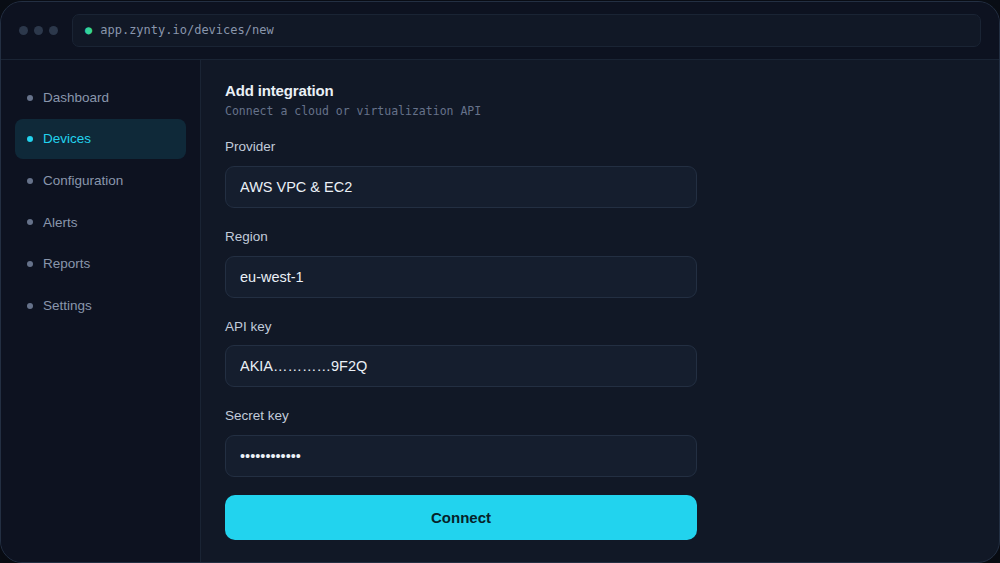
Add the cluster in Zynty
Use the REST API protocol and paste the generated API key rather than a username and password.
1
3
Watch cluster status
A cluster status of yellow means some replicas are unassigned, usually fine short-term; red means primary shards are missing and needs immediate attention.