1
Create a monitoring user
MongoDB's built-in clusterMonitor role covers replication state, operation counters and resource metrics without granting data access.
use admin
db.createUser({
  user: "zynty_ro",
  pwd: "STRONG_PASSWORD",
  roles: [ { role: "clusterMonitor", db: "admin" } ]
})
2
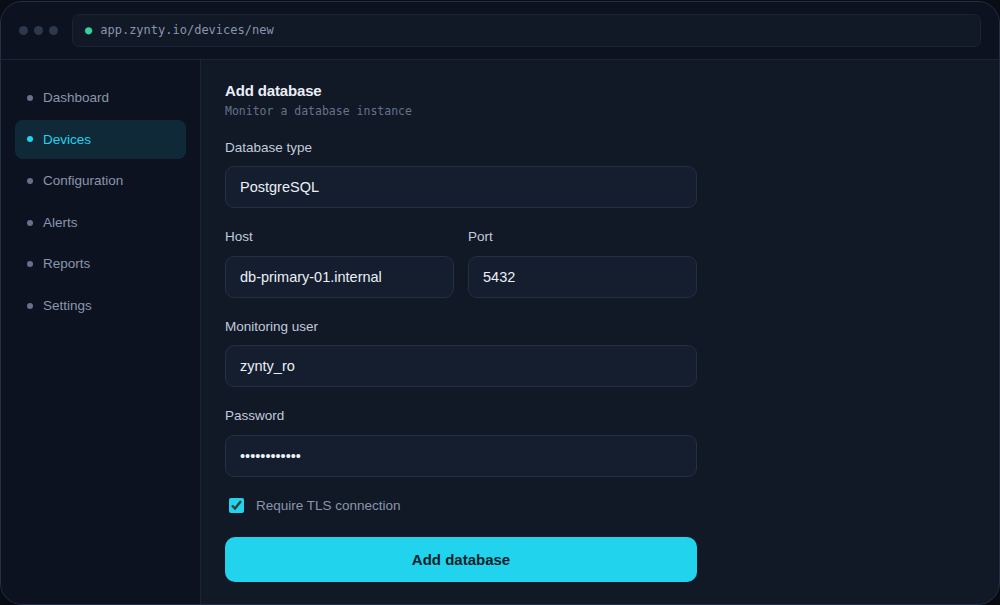
Add each node in Zynty
Add the primary and each secondary as separate devices so you can see replica set state per node, not just an aggregate.
1
2
3
Watch replica set state
A node reporting anything other than PRIMARY or SECONDARY (like RECOVERING or an unreachable state) should trigger an alert well before it affects application reads.