1
Create a Zynty app in your IdP
In your identity provider, create a new SAML application. Zynty's own metadata (ACS URL and Entity ID) is shown on the Security settings page for you to paste in.
2
Add your IdP's metadata to Zynty
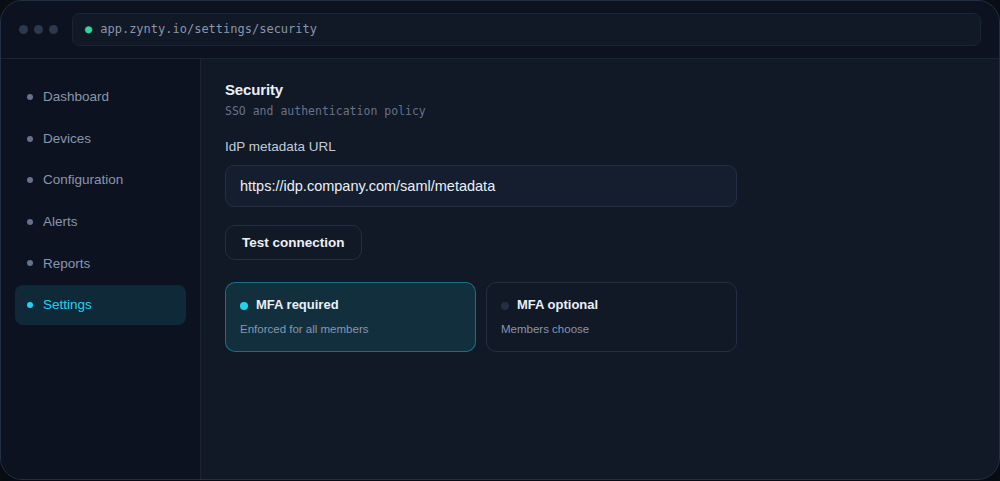
Paste your identity provider's metadata URL (or upload the XML file) into Zynty's SSO configuration.
1
3
Test the connection before enforcing it
Use Test connection to confirm a login round-trip succeeds before making SSO mandatory, this avoids locking your whole team out over a misconfigured attribute mapping.
1
4
Roll it out
Once verified, enable Require SSO to disable password login entirely, or leave it optional during a transition period.