Choose the report type
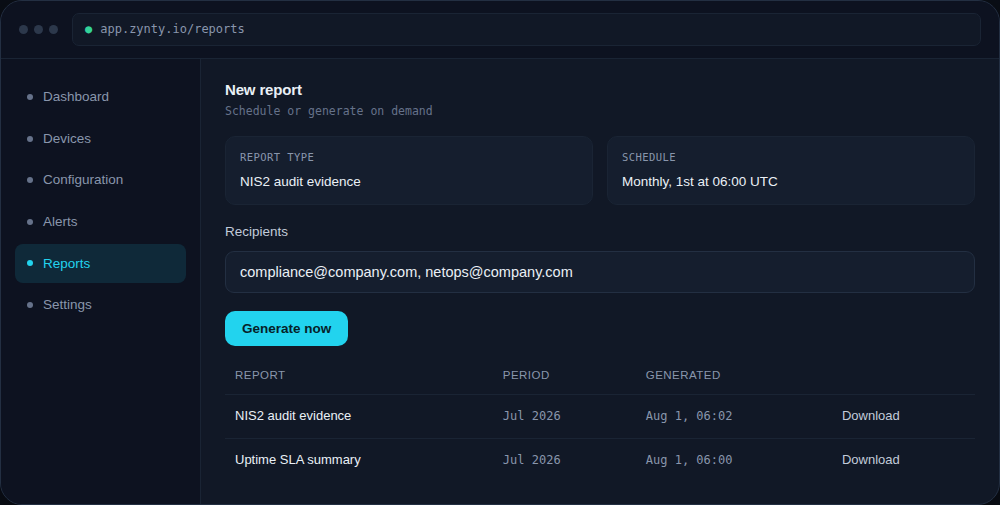
Select NIS2 audit evidence from the report type list. It bundles asset inventory, change history, alert response times, and access-control settings into one document.
Set the reporting period
Match the period to your internal audit cycle, monthly is common, though quarterly or annual periods work for a broader compliance review.
Schedule it, or generate on demand
Schedule recurring generation so evidence is always current, or generate immediately when an auditor asks for it without waiting for the next cycle.
Remember: this supports compliance, it isn't a compliance determination
The report gives you evidence for the risk-management measures Zynty helps with directly (asset inventory, incident detection, access control, audit logging). Whether your organization is fully NIS2-compliant also depends on people, process and legal factors outside any monitoring tool, confirm scope and requirements with your DPO or legal counsel.