1
Think in two layers
Sites represent physical or logical locations (a datacenter, an office, a cloud region). Groups are more flexible: device role (core switches, edge firewalls), environment (production, lab), or anything else useful for filtering.
2
Assign sites when adding devices
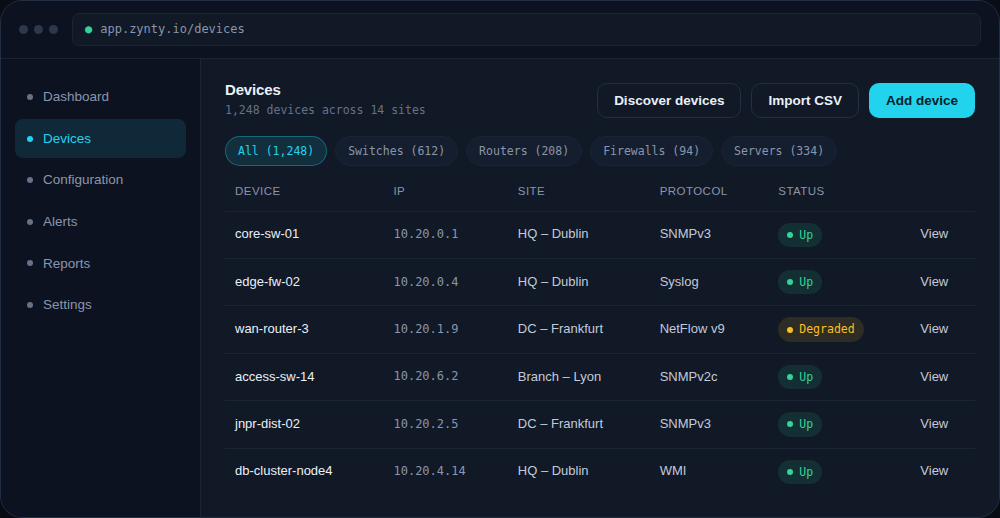
Set the site field when you add a device individually, during CSV import, or in bulk from the device list using the filter chips to select a set first.
1
3
Use groups for alert routing and automation
Push and pull automation jobs, alert rules, and maintenance windows all target groups rather than individual devices, so a well-organized group structure saves repetitive setup later.