1
Open the device's version history
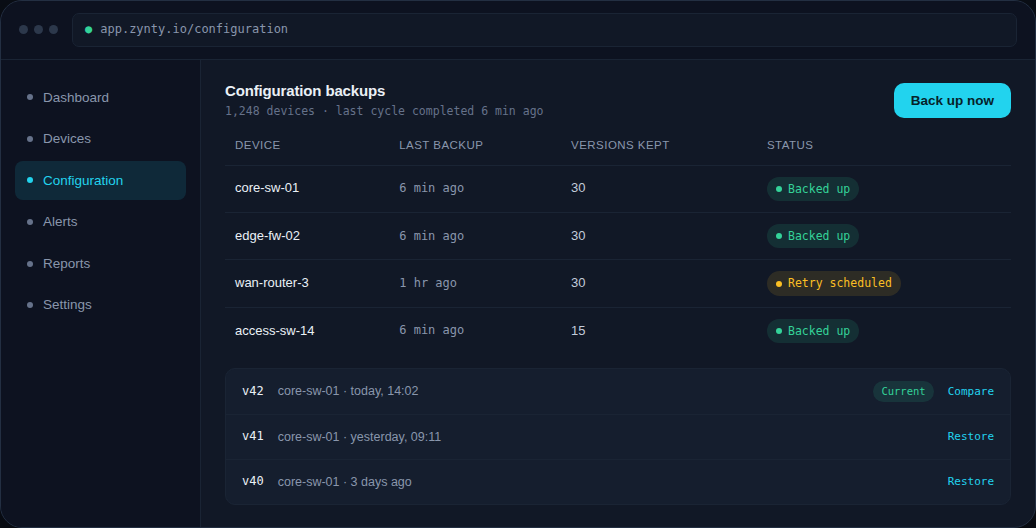
From the Configuration screen, find the device and open its list of backed-up versions, each stamped with a timestamp.
2
Compare before restoring
Use Compare to view a diff between the version you're about to restore and the device's current running configuration, so you know exactly what will change.
3
Restore the version
Click Restore on the version you want. Zynty pushes it over the same SSH credential used for backups, and logs the restore as a change event.
1
4
Confirm the device came back clean
Zynty automatically re-polls the device after a restore and flags the change in its history so the rollback itself becomes part of the audit trail.