1
Connect a channel
If you haven't already, connect Slack, set up email recipients, or add a webhook endpoint under Settings > Integrations.
2
Filter what triggers a notification
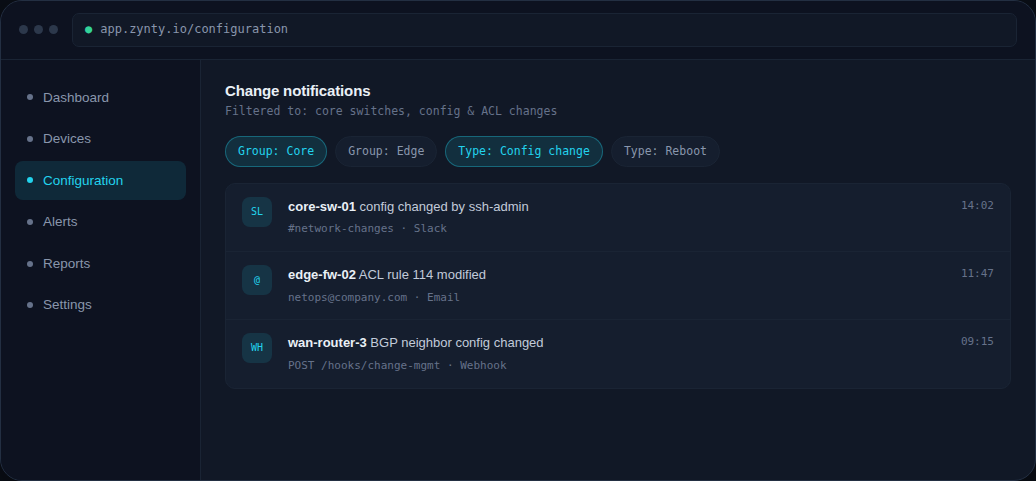
Scope notifications by device group and change type, most teams notify on config and ACL changes but stay quiet on routine interface counter resets.
1
3
Choose the channel per filter
Route different filters to different channels, for example, critical infrastructure changes to PagerDuty, everything else to a Slack channel your team already watches.
4
Test it
Trigger a small, reversible test change (like a description field) on a lab device to confirm the notification arrives where you expect.