1
Turn on backups for a device or group
On a device's Protocols tab, or in bulk for a group, enable configuration backup. It uses the same SSH or API credential you already added for monitoring.
2
Set a schedule
A daily backup cycle at a low-traffic hour is the usual default; devices with frequent manual changes benefit from more frequent cycles.
3
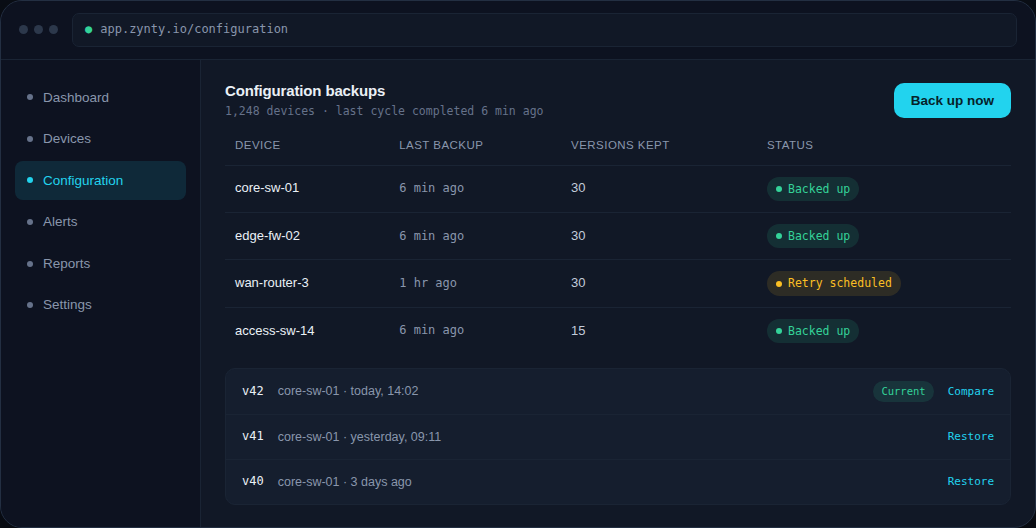
Trigger a manual backup any time
Use Back up now on the Configuration screen when you want an immediate snapshot, before a maintenance window, for example.
1
4
Set retention
By default Zynty keeps 30 versions per device. Increase this for devices under change control or regulatory retention requirements.