1
ArubaOS-CX: configure SNMP
On the newer ArubaOS-CX line (63xx, 64xx, 83xx), SNMP configuration lives under the standard config context.
configure terminal
snmp-server community zyntyRO
snmp-server system-location "Branch - Lyon"
snmp-server system-contact netops@company.com
end
write memory
2
Legacy ArubaOS-Switch (ProVision)
Older ProCurve-descended switches use a slightly different command set.
configure
snmp-server community "zyntyRO" operator
snmp-server contact "netops@company.com"
write memory
3
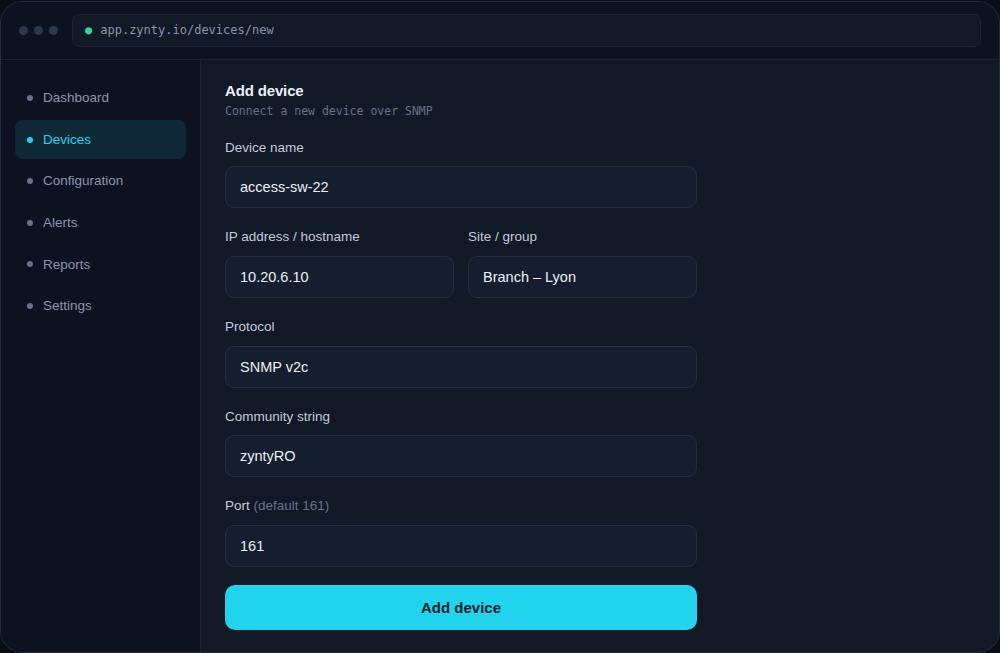
Add the switch in Zynty
Both platforms respond to standard SNMP v2c polling once configured. Use v2c unless your security policy mandates v3.
1