1
Enable SNMP and set a community
RouterOS uses its own command structure under /snmp.
/snmp community
add name=zyntyRO security=none read-access=yes write-access=no
/snmp set enabled=yes contact="netops@company.com" location="Branch - Lyon" trap-community=zyntyRO
2
Restrict by source address (recommended)
RouterOS lets you scope a community to specific source addresses directly.
/snmp community
set [find name=zyntyRO] addresses=10.20.0.50/32
3
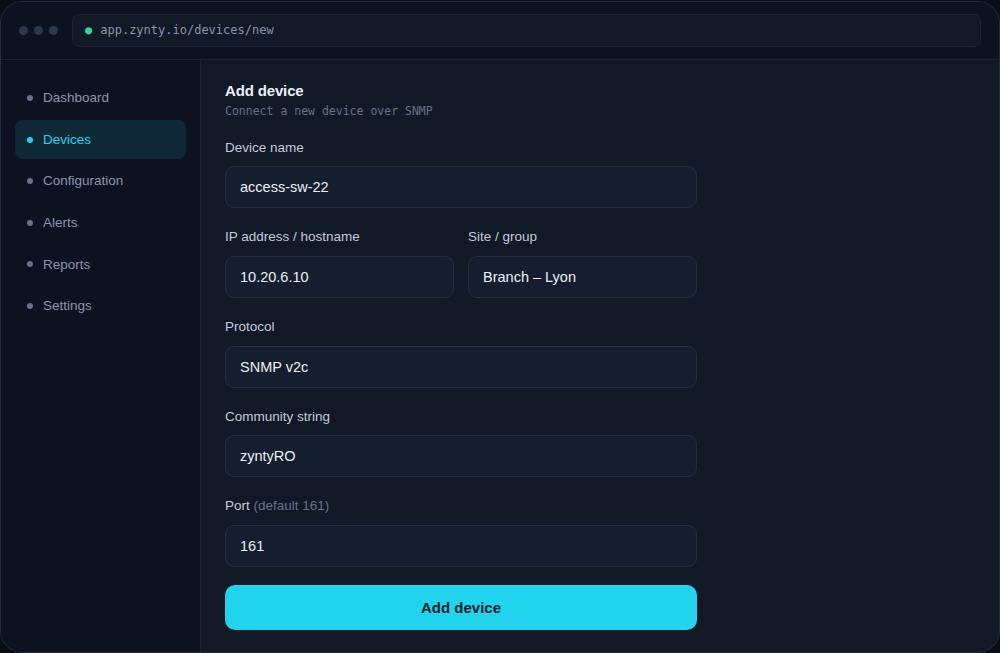
Add the router in Zynty
MikroTik devices report interface, wireless and queue (QoS) statistics over SNMP, useful for branch routers doing traffic shaping.
1