1
Enable flow capture on an interface
Apply ingress and egress flow capture to each interface you want traffic visibility on, usually your WAN and core-facing interfaces rather than every access port.
configure terminal
interface GigabitEthernet0/1
 ip flow ingress
 ip flow egress
exit
2
Point the export at your collector
Set the destination and version. Zynty accepts NetFlow v5 and v9; v9 is recommended for its richer, template-based records.
ip flow-export destination 10.20.0.50 2055
ip flow-export version 9
ip flow-export source Loopback0
end
write memory
3
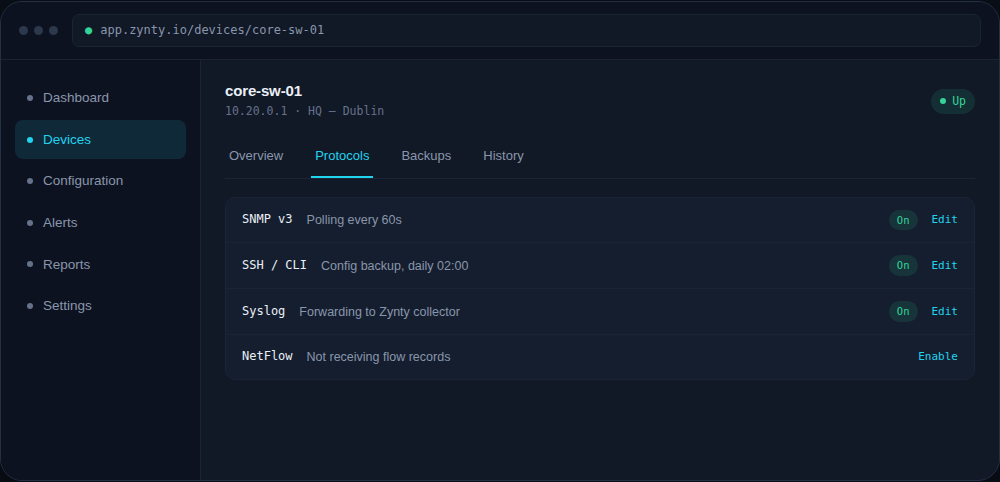
Turn on the protocol in Zynty
Open the device's Protocols tab and confirm NetFlow shows as receiving records, it usually takes one to two export intervals (60-180 seconds) to appear.
1