1
Define a sampling instance
Junos sends flow data through a sampling instance rather than a per-interface flag. Point it at your collector's IPFIX listener.
configure
set forwarding-options sampling instance zynty-ipfix family inet output flow-server 10.20.0.50 port 4739
set forwarding-options sampling instance zynty-ipfix family inet output flow-server 10.20.0.50 version-ipfix template-refresh-rate packets 100
set forwarding-options sampling instance zynty-ipfix family inet input rate 100
2
Attach sampling to interfaces
Enable sampling on each interface you want flow visibility on.
set interfaces ge-0/0/1 unit 0 family inet sampling input
set interfaces ge-0/0/2 unit 0 family inet sampling input
commit
3
Confirm on the device side
Junos exposes sampling and export statistics you can check before relying on the Zynty dashboard.
show services accounting flow inline-jflow
4
Verify in Zynty
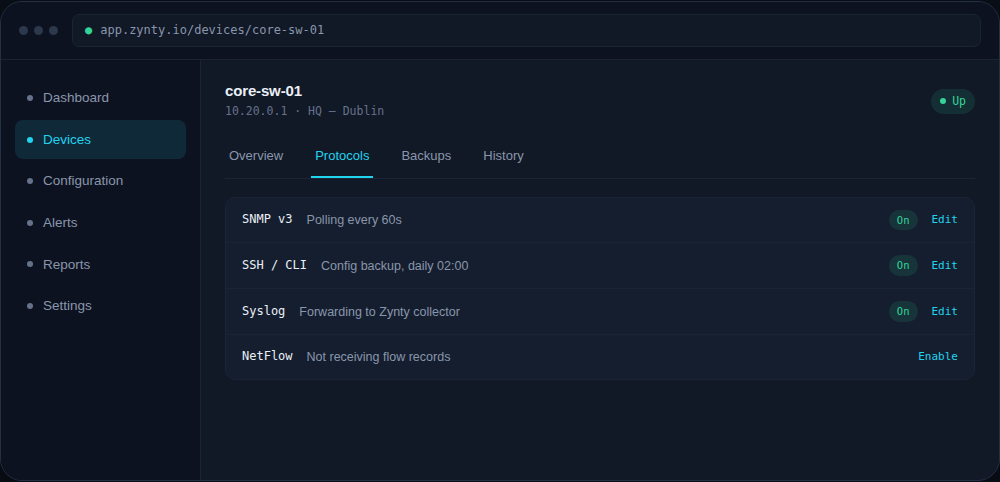
Once records start arriving, the device's Protocols tab shows IPFIX as active with a live records-per-minute count.
1