1
Set the sample rate and destination
A 1-in-1000 sample rate is a reasonable default for 10-100G links; sample more aggressively (lower ratio) only on lower-bandwidth links where you need finer accuracy.
configure terminal
sflow sample 1000
sflow destination 10.20.0.50 6343
sflow run
end
write memory
2
Scope sFlow to specific interfaces (optional)
By default sFlow runs on all interfaces once enabled globally. To limit it, disable it per-interface where you don't need it.
configure terminal
interface Ethernet1/1
 no sflow enable
end
3
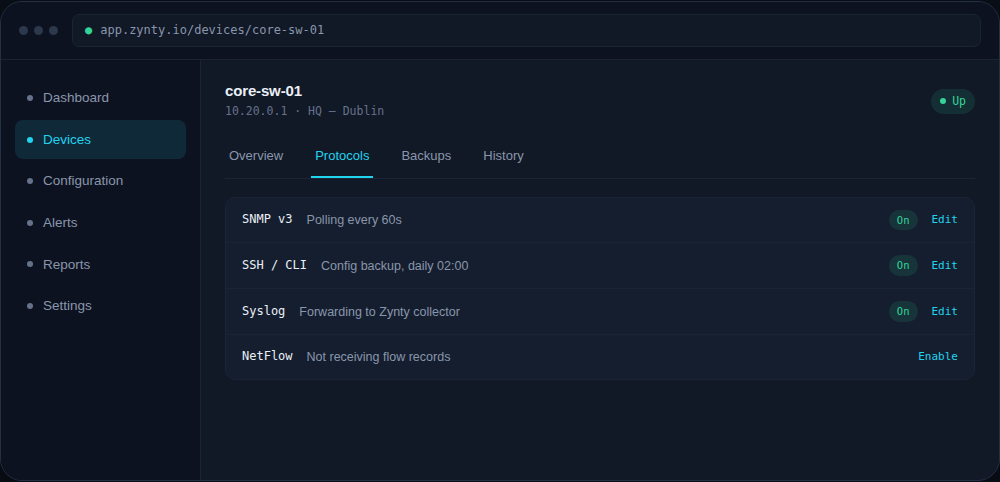
Verify in Zynty
Because sFlow is sampled rather than a full accounting protocol, expect slightly smoother, statistically-estimated traffic graphs rather than exact byte counts.
1