1
Point logging at your collector
Standard UDP syslog is the simplest option for most environments.
configure terminal
logging host 10.20.0.50 transport udp port 514
logging trap informational
logging source-interface Loopback0
end
write memory
2
Choose a sensible severity level
Informational (level 6) captures config changes and interface events without flooding the collector with debug-level noise. Reserve debugging (level 7) for active troubleshooting only.
3
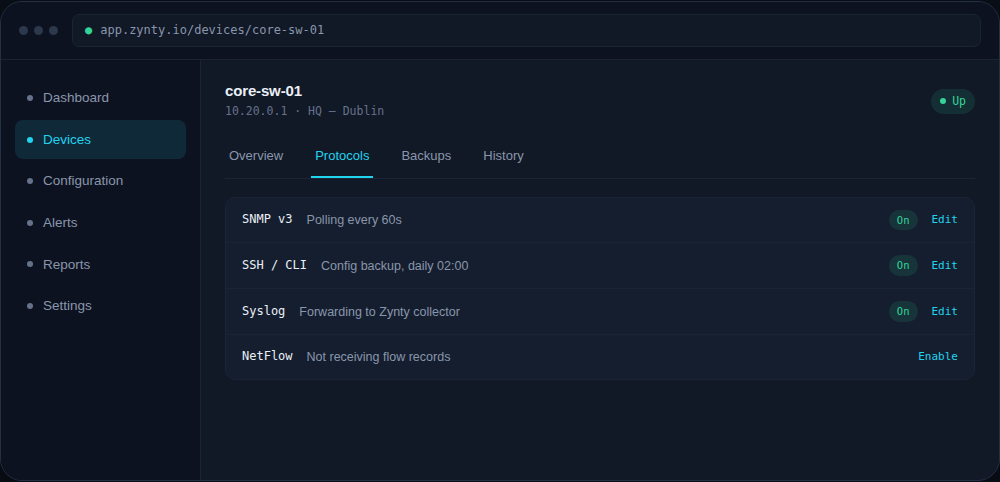
Confirm receipt in Zynty
The device's Protocols tab shows Syslog as active once the first messages arrive, typically within seconds of the config change.
1