1
Enable the collector's TLS listener
In Settings > Collectors, turn on the TLS syslog listener (default port 6514). Zynty generates a certificate for the collector automatically, or you can upload your own.
2
Trust the collector's certificate on the device
Import the collector's certificate (or your internal CA if you supplied one) into the device's trust store so it will accept the TLS connection.
3
Point the device at the TLS listener
Configuration syntax varies by vendor, but the shape is consistent: set the transport to TLS/TCP and the port to 6514 instead of UDP/514.
# Example: Cisco IOS-XE
configure terminal
logging host 10.20.0.50 transport tls port 6514
end
4
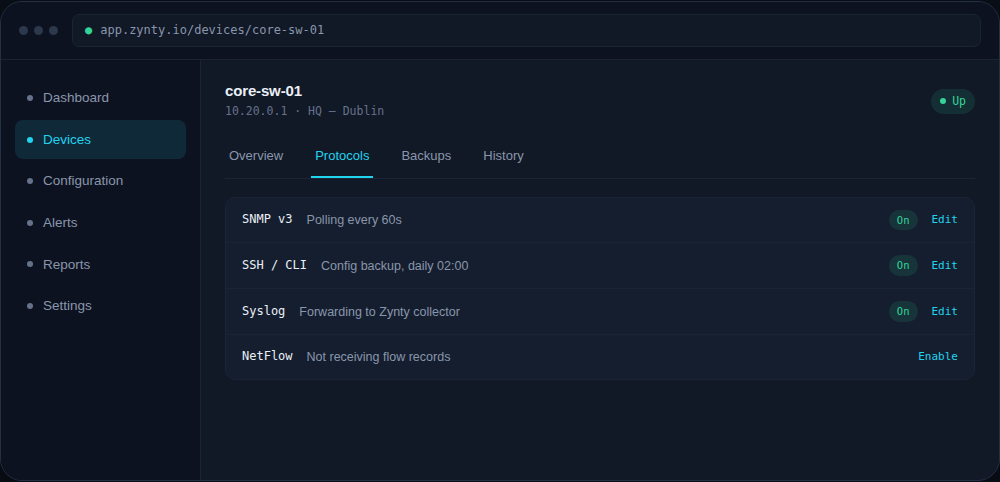
Verify the encrypted channel
The device's Protocols tab distinguishes TLS syslog from plain UDP, confirm it shows "Syslog (TLS)" rather than just "Syslog".
1
TLS syslog adds a small amount of CPU overhead on the device. On very old hardware, test on a non-critical device first.