1
Create a monitoring account
Create a local (or domain) account with membership in the Performance Monitor Users and Distributed COM Users groups, full administrator rights aren't required for standard metric collection.
2
Enable WMI and DCOM access
Confirm Windows Management Instrumentation is running (it is, by default, on Windows Server), and that Windows Firewall allows WMI from your collector's IP.
# PowerShell, run as Administrator
Enable-PSRemoting -Force
New-NetFirewallRule -DisplayName "Zynty WMI" -Direction Inbound -Protocol TCP -LocalPort 135 -Action Allow
3
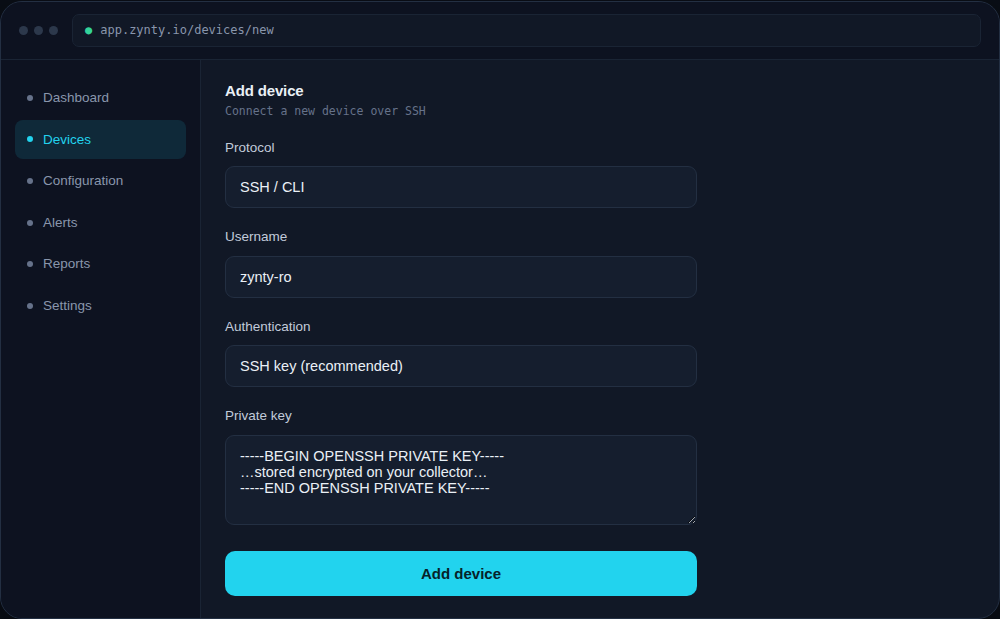
Add the host in Zynty
Choose WMI as the protocol and supply the domain\username and password for the monitoring account you created.
1
4
Confirm metrics are flowing
CPU, memory, disk and named-service status should appear within the first polling cycle (default: 60 seconds).