1
Create a dedicated, least-privilege account
Don't reuse a personal or shared admin login. Create an account scoped to read-only or show-only commands wherever the platform supports role-based CLI access.
2
Generate an SSH key pair
From Settings > Credentials, click Generate SSH key. Zynty keeps the private key encrypted on your collector and only ever shows you the public key to install on devices.
3
Install the public key on the device
Add the generated public key to the device's authorized_keys (or vendor equivalent, e.g. `ip ssh pubkey-chain` on Cisco IOS).
4
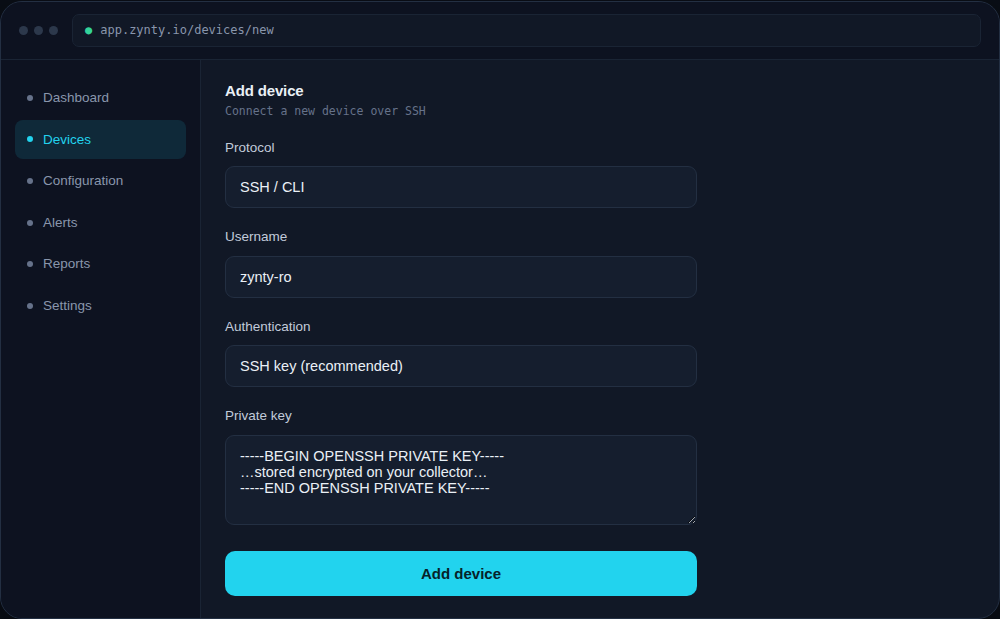
Add the credential when adding a device
Select SSH as the protocol, choose the stored key, and enter the username. Password auth is supported as a fallback but key-based auth is strongly recommended.
1
2